The App
Checks Where
the Work Happens
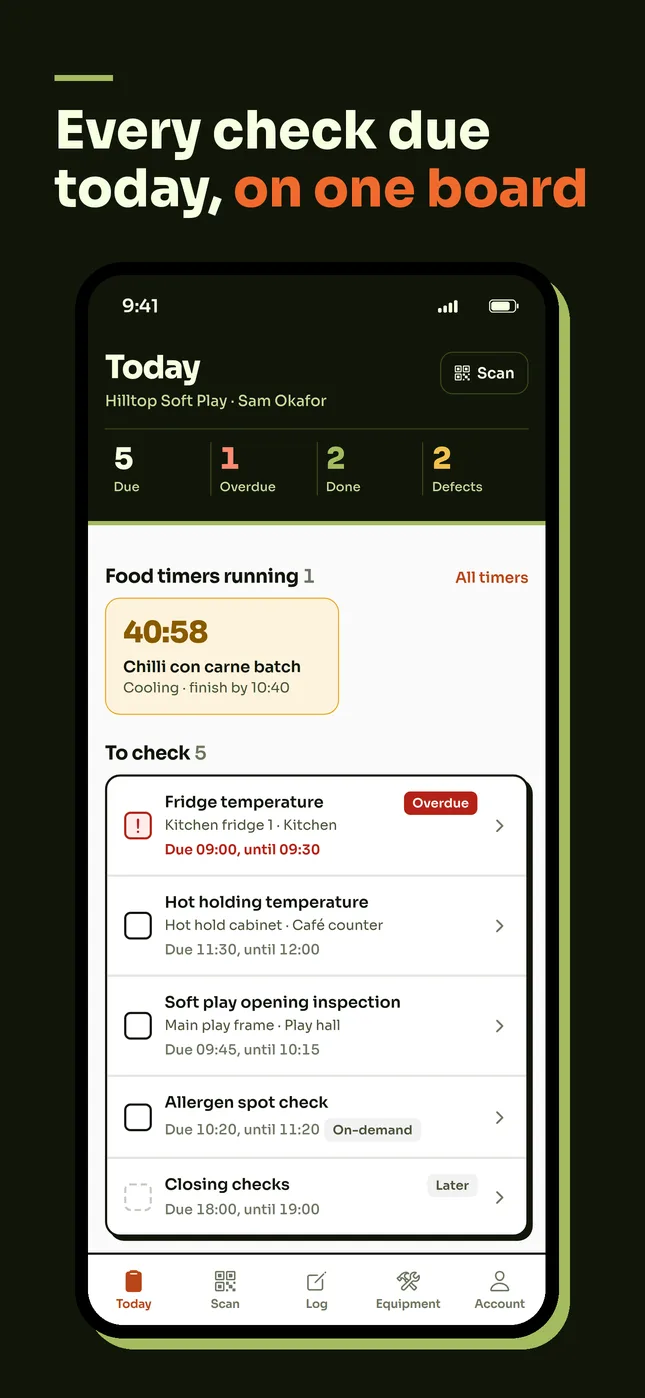
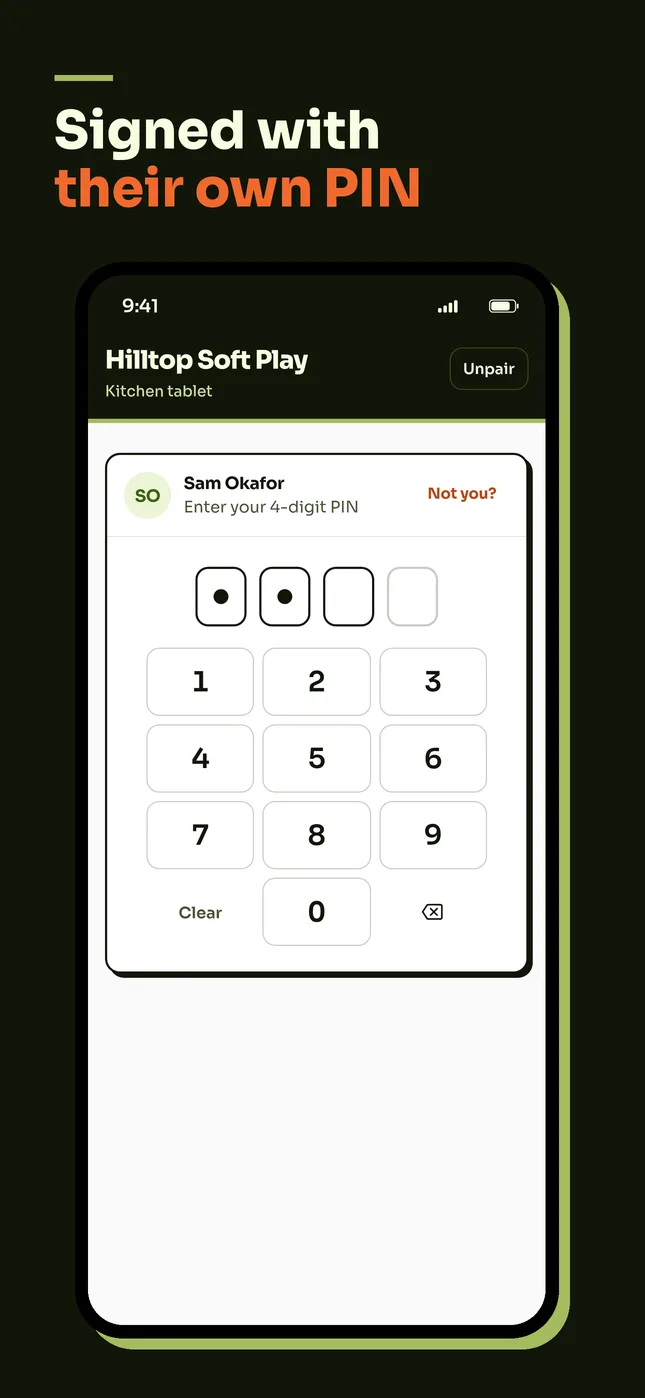
Put the ChecksNinja app on a shared tablet behind the counter, or on your own phone. Staff see what's due, scan the sticker on a fridge or play frame, and sign with their PIN.
Coming soon to the App Store. Until then, the venue tablet page works in Safari on any iPad: pair it from your admin and add it to the home screen.
A Shared Tablet,
or Your Own Phone
Set your checks, equipment and team up on the web. The app is where the checks get done.
On the Venue Tablet
Pair the tablet once by scanning a QR code from your admin. Staff tap their name and enter their own four-digit PIN, and it signs itself out when nobody's using it.
On Your Own Phone
Managers and staff with a login sign in as themselves, see today's board and sign checks on the go.
Scan the Sticker
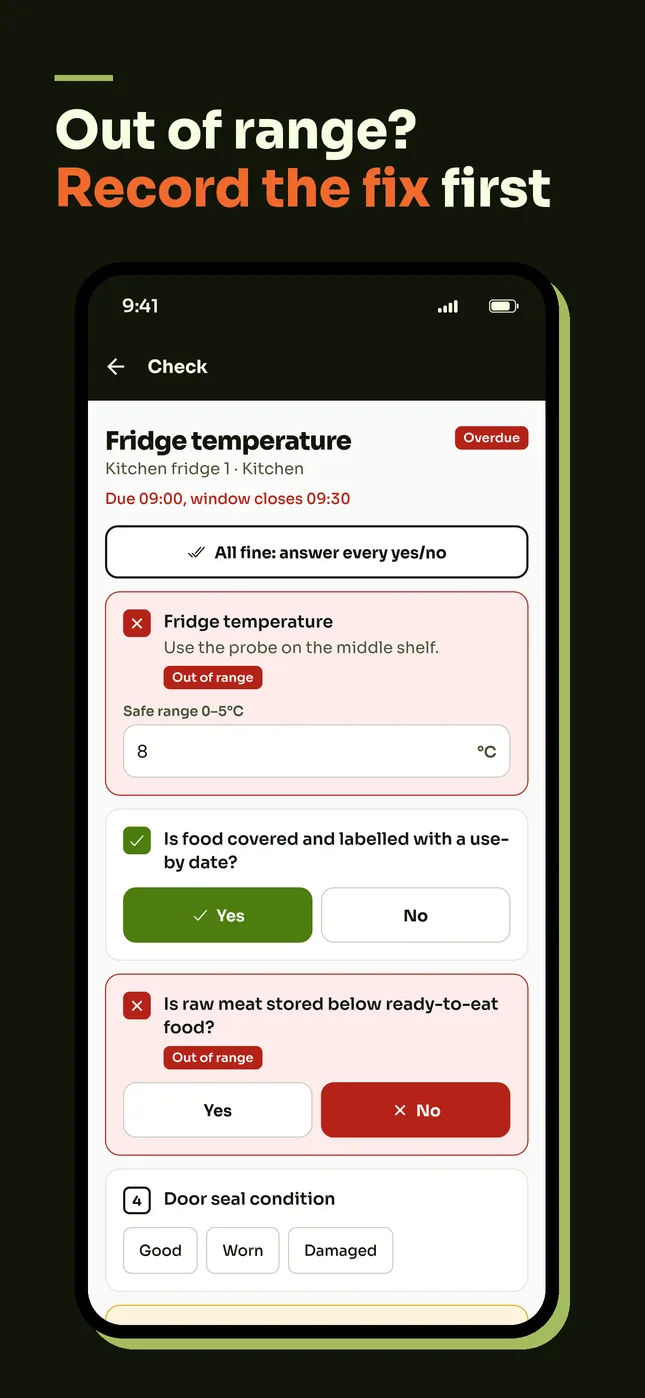
Every fridge, play frame and inflatable has its own QR sticker. Scan it to open that item's check.
Photos as Evidence
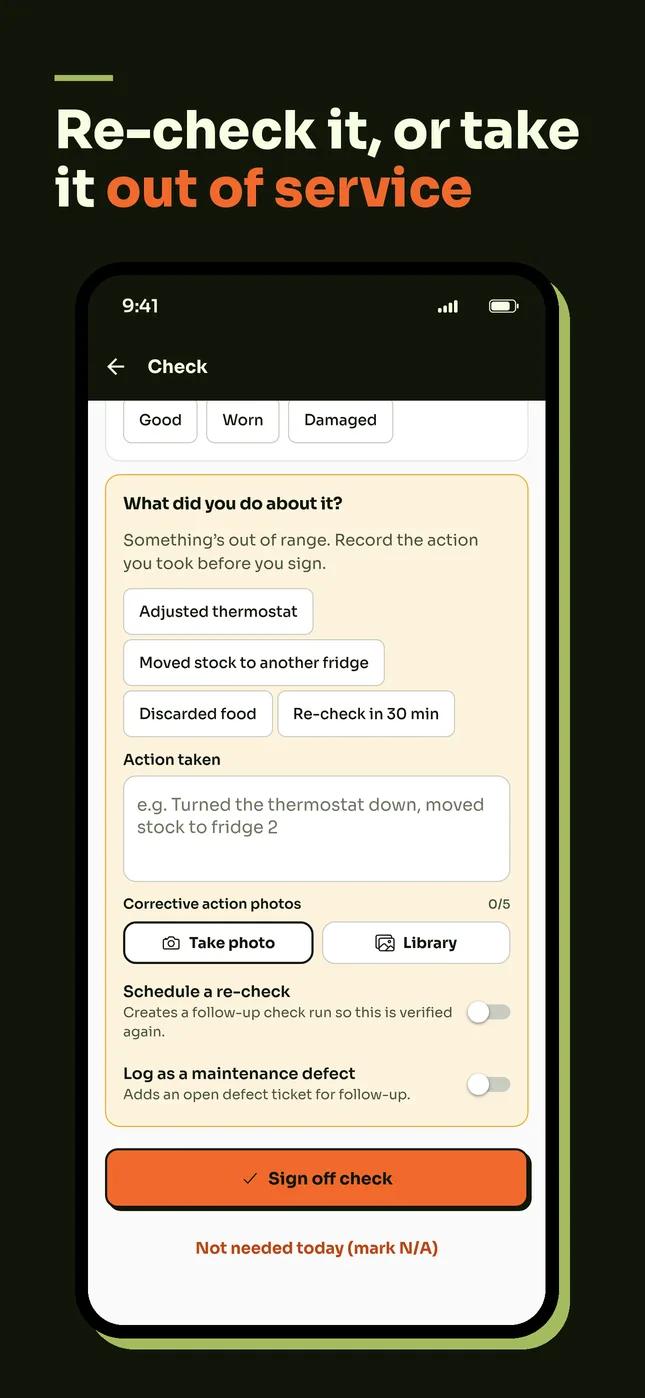
Add a photo to a check, a defect or an incident, and it's kept with the signed record.
What Your Team Sees
App Questions
Do I need an account to use the app?
Does it work offline?
Is it the same PIN as clocking in?
Set Up Your Checks,
Then Grab a Tablet
Tick the checks you need this afternoon and sign the first one tonight.
£9.99 a month per venue, ex VAT, after a 14-day free trial. No card needed to start.